

Deep Research
Deep Research tackles complex research projects by intelligently planning multiple strategic web searches across different angles, then synthesizing findings into comprehensive reports with proper citations. It’s designed for when you need thorough investigation rather than quick answers.
When to use Deep Research
Deep Research is particularly powerful for:
Background research – Comprehensive overviews of topics, companies, or industries
Market analysis – Understanding market trends, sizing, and competitive landscapes
Competitive analysis – In-depth competitor research and positioning
Academic research – Literature reviews and multi-source academic investigations
Strategic planning – Research to inform business decisions and strategy
Industry trends – Understanding emerging trends and their implications
Use Deep Research when you need thorough, well-documented analysis rather than quick facts or casual conversation. The resulting report with citations can be downloaded as a PDF, saving you hours of manual research and compilation.
How Deep Research works
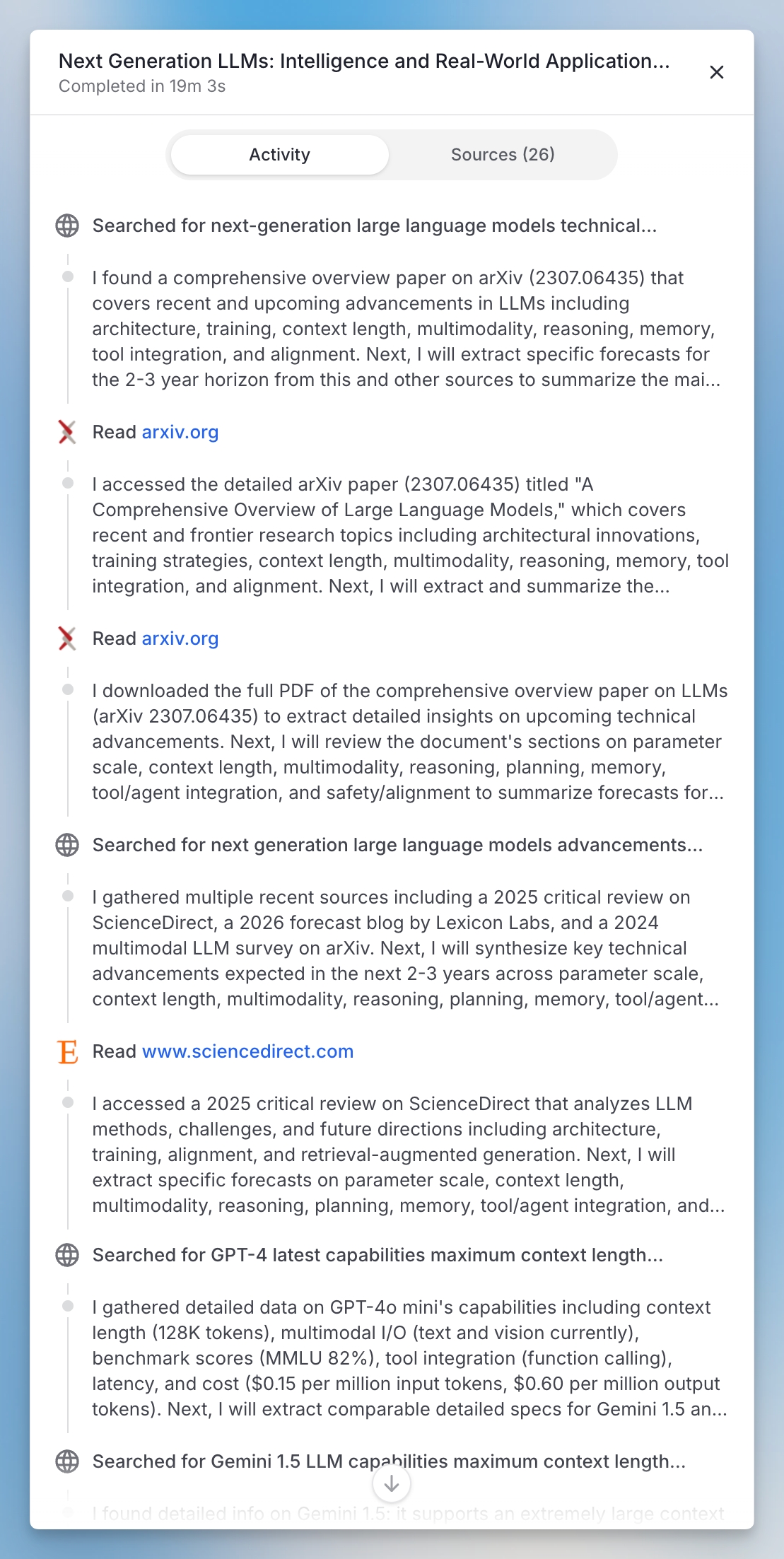
Intelligent planning – Deep Research analyzes your query and creates a strategic research plan
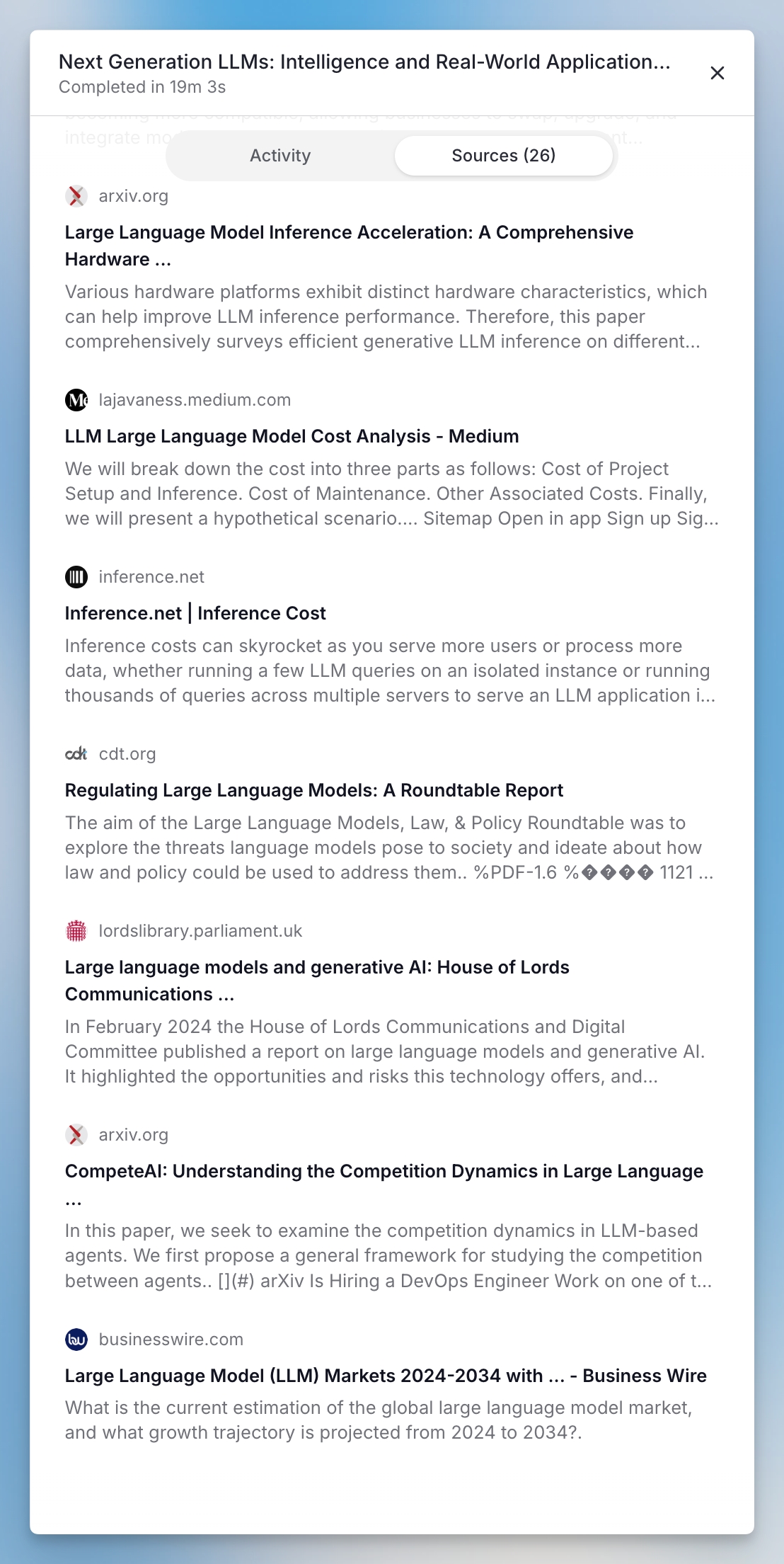
Multi-source searching – It conducts multiple web searches from different angles to gather comprehensive information
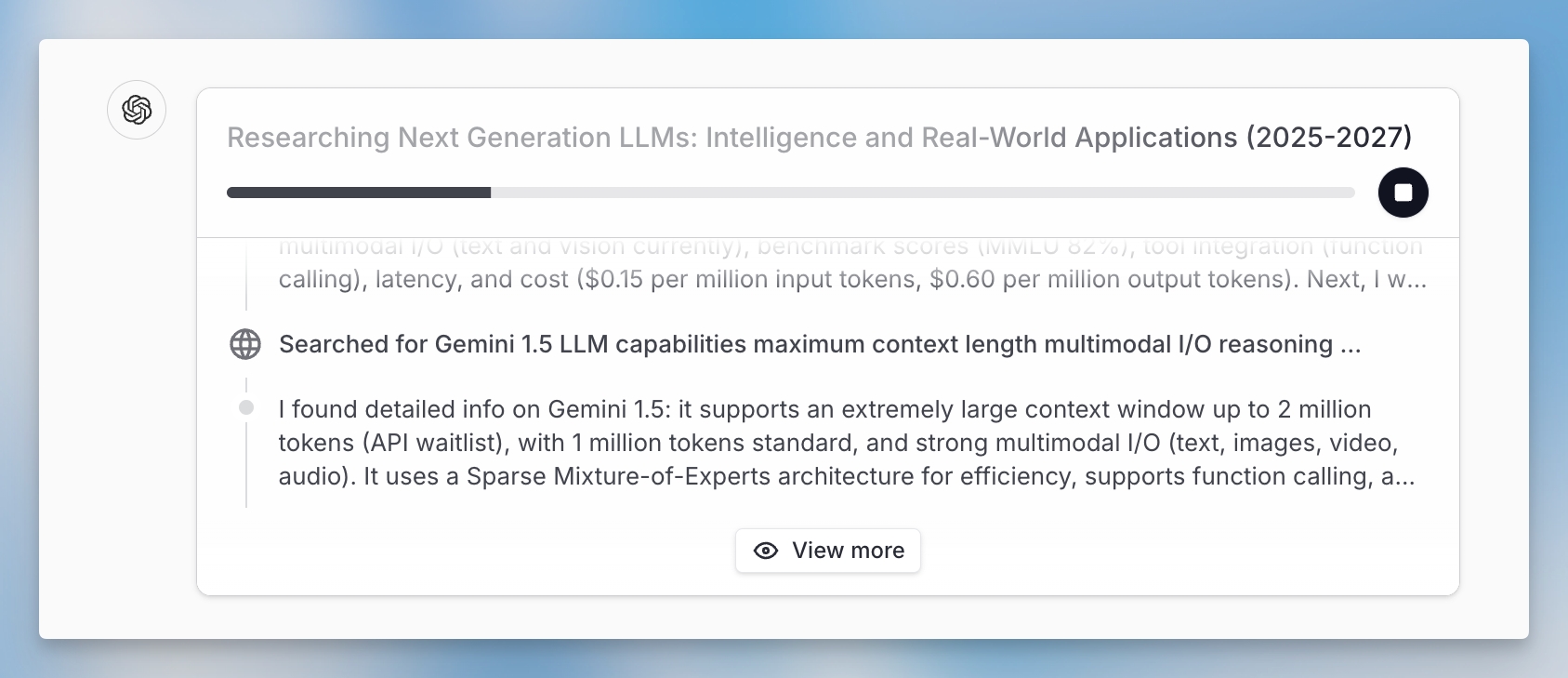
Real-time visibility – You can watch the search activity in real-time and see sources as they are added
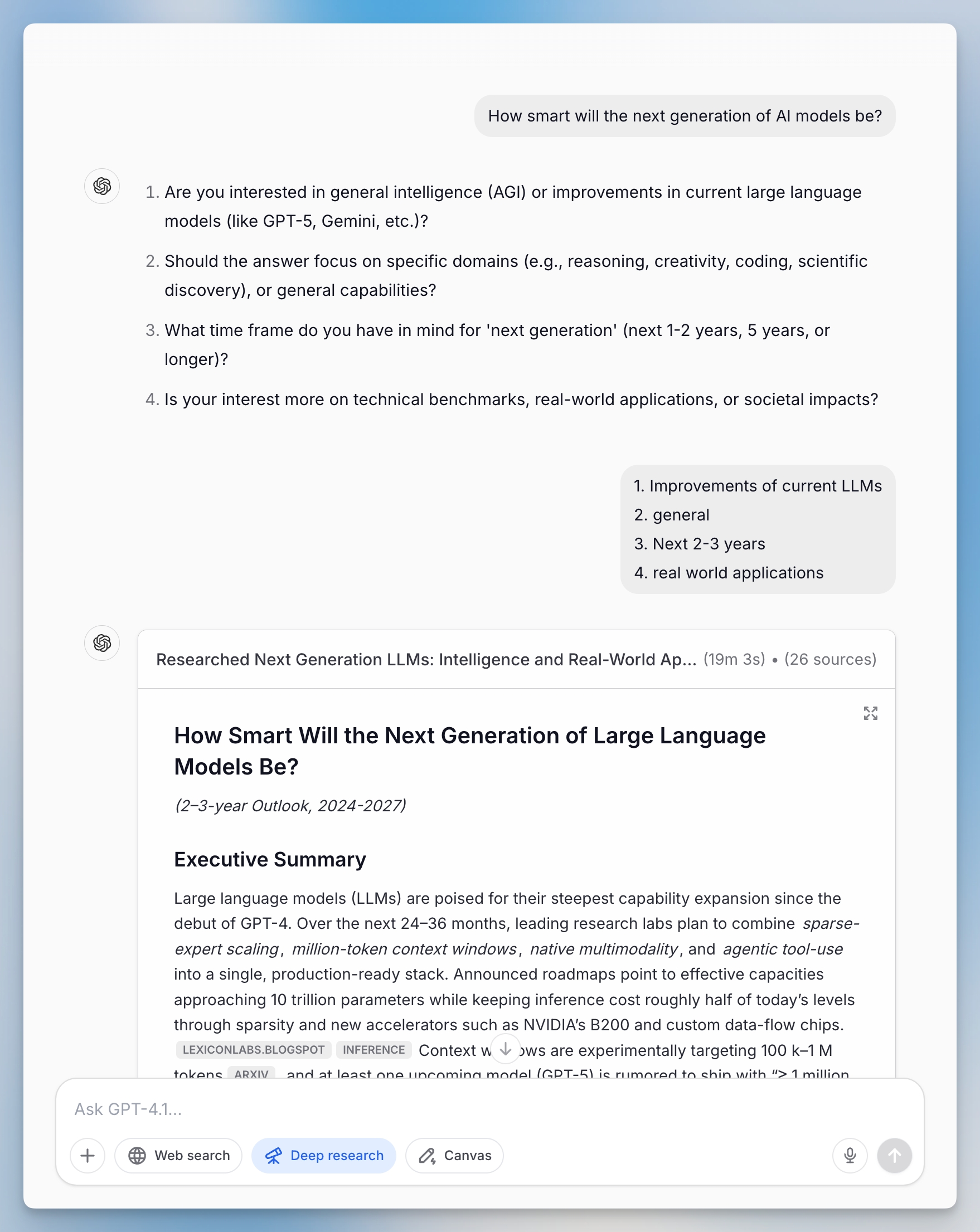
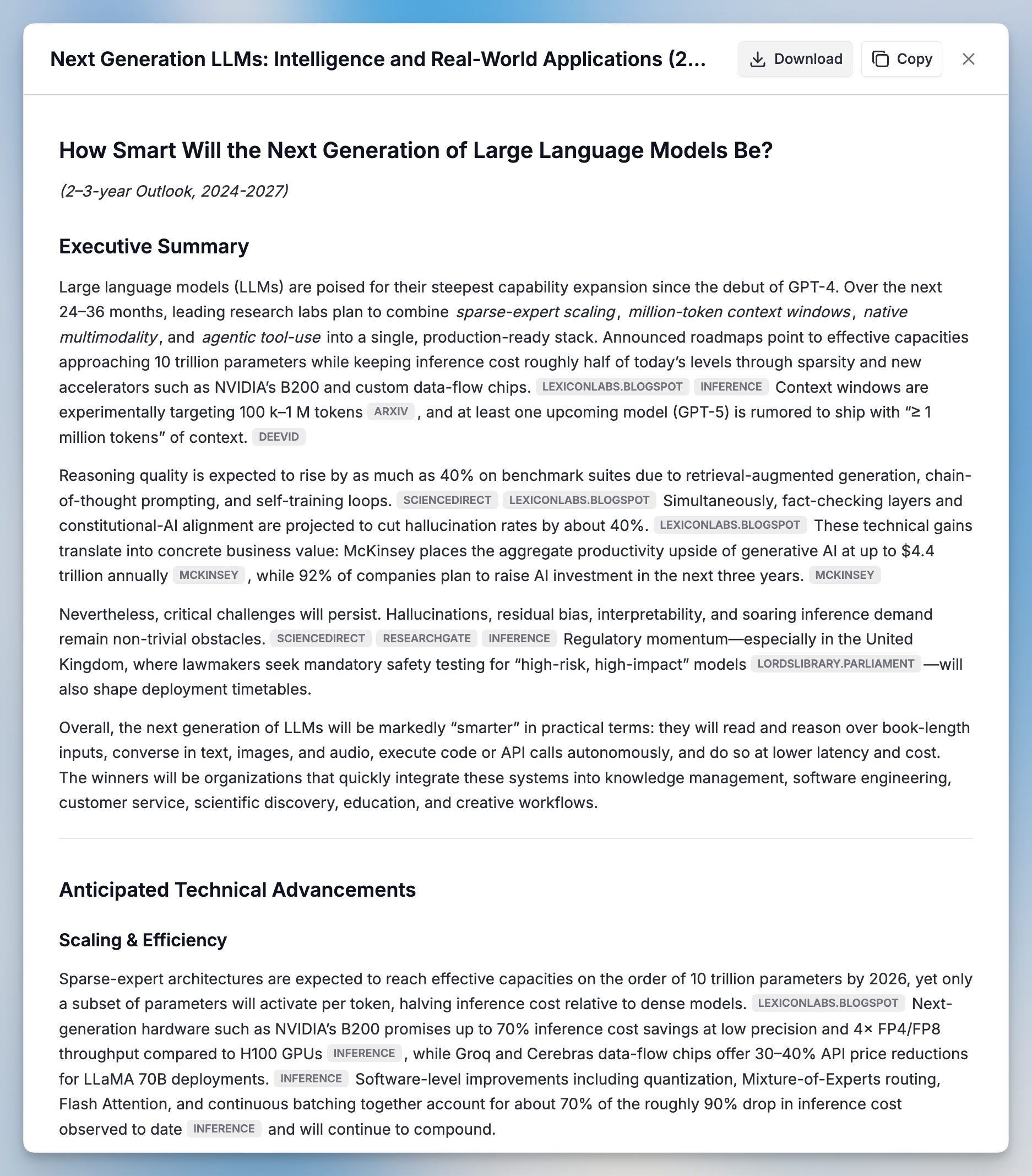
Synthesis and analysis – All findings are analyzed and synthesized into a structured report
Citation and documentation – Every claim is properly cited with source links for verification
No matter which model you select in the chat, Deep Research always uses pre-configured models (specifically optimized for research tasks) to ensure the best possible quality and consistency.
Usage limits
Deep Research has a usage limit of 15 searches per user per month to ensure optimal performance for all users. This limit resets monthly and applies across all workspaces.
Getting started
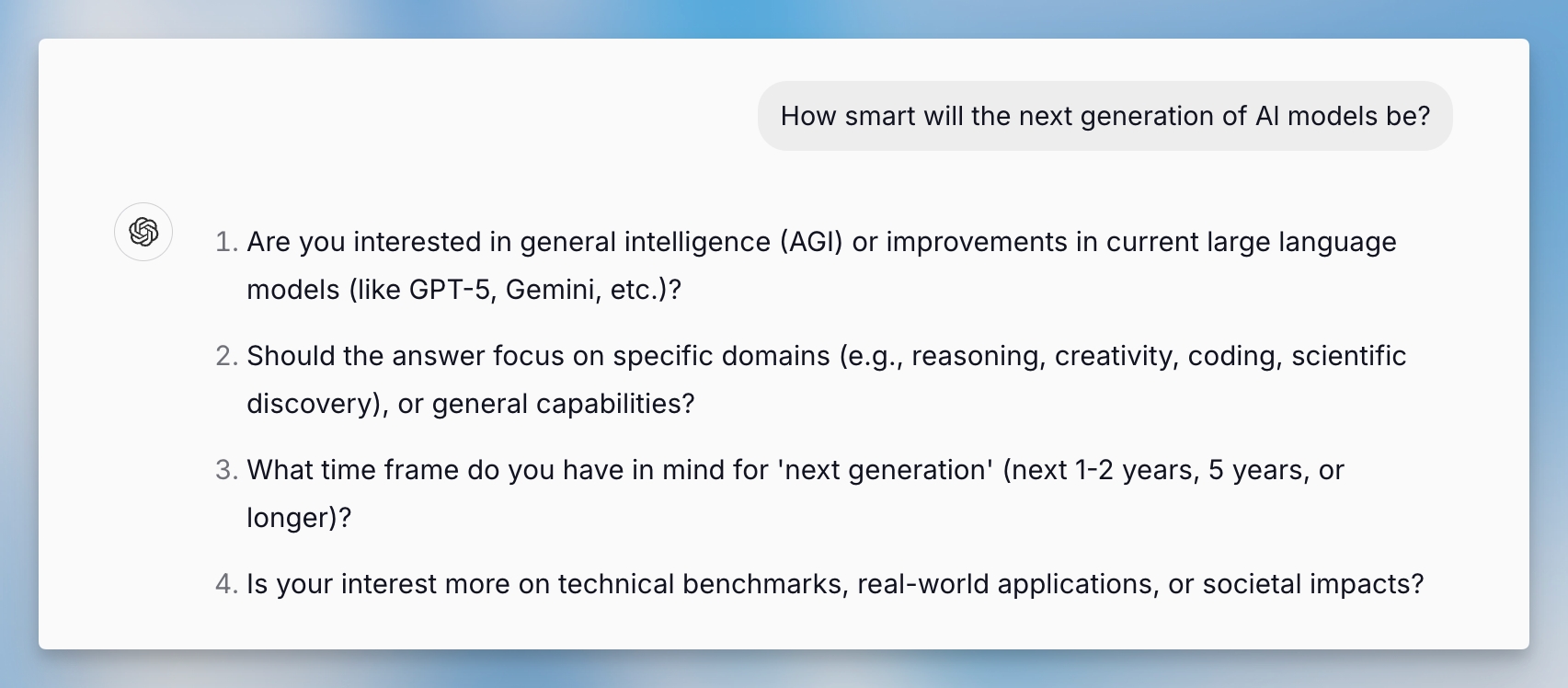
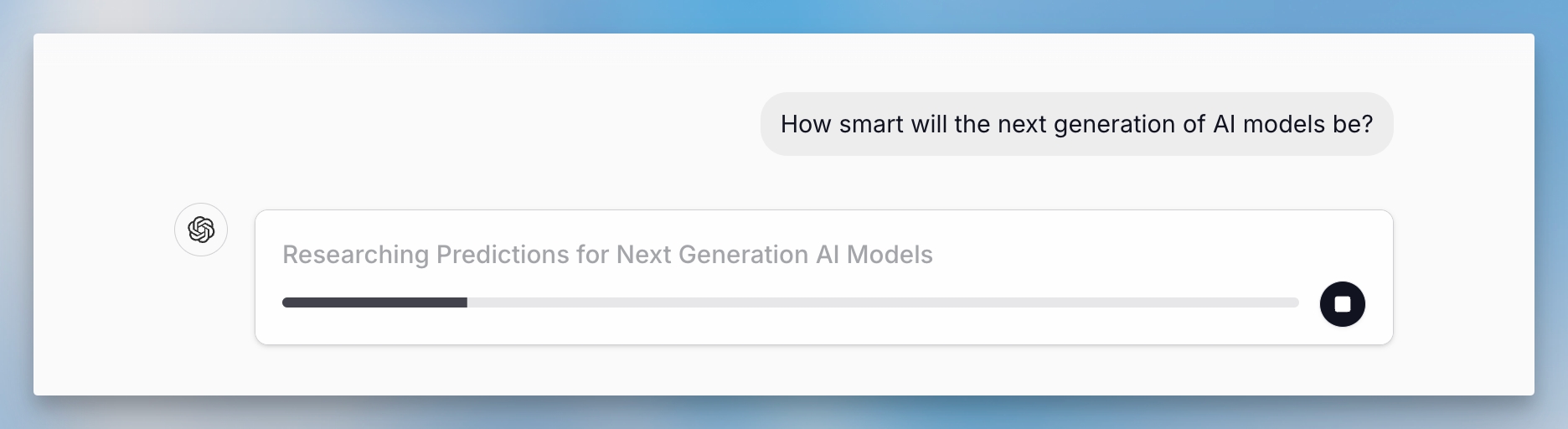
Deep Research is now available across all workspaces. To use it, follow these steps:

Deep Research vs. Regular Chat
Speed
5-30 minutes
Instant
Sources
Multiple strategic searches
Limited
Output
Structured reports
Conversational
Citations
Comprehensive
Basic
Best for
In-depth analysis
Quick questions
Deep Research transforms how you approach complex research tasks, providing the depth and rigor of manual research with the efficiency of AI automation.