

Code
Overview
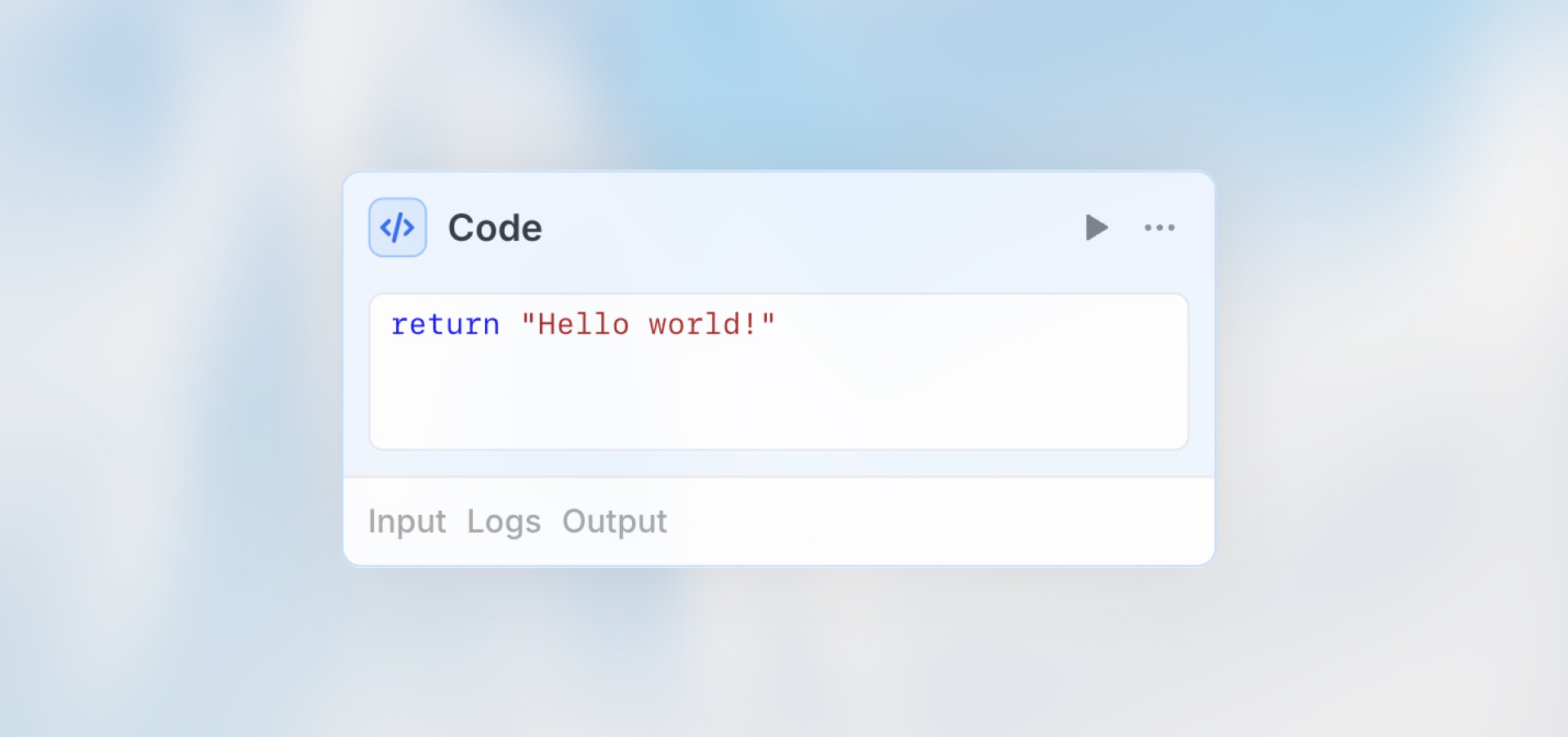
The Code node lets you write custom JavaScript to transform data, perform calculations, implement complex logic, or handle tasks that other nodes can’t.
Best for: Data transformations, calculations, custom business logic, data formatting, and complex data manipulation.
When to Use Code Node
Perfect for:
Data transformations and formatting
Mathematical calculations
Custom business logic
JSON parsing and manipulation
Data validation and cleaning
Date/time operations
Not ideal for:
AI analysis (use Agent node)
API calls (use HTTP Request node)
Simple conditions (use Condition node)
Configuration
Code Editor: Write your JavaScript transformation logic.
Access Previous Nodes: All previous node outputs are available as variables.
Examples
Accessing Code Output
Use the code node name to access returned values in subsequent nodes:
Best Practices
Return Structured Objects Return data as objects for easy access in later nodes. This makes it simple to reference specific values in subsequent nodes using dot notation.
Handle Missing Data Use
||or optional chaining to provide default values and prevent errors when data is undefined or null.Use Try-Catch Wrap risky operations in try-catch blocks to prevent workflow failures. This allows you to handle errors gracefully and provide meaningful error messages.
Keep It Simple Complex logic might be better in an Agent node. Use code nodes for straightforward transformations and calculations, not for tasks requiring intelligence or context understanding.
Add Comments Document what your code does for future reference. Clear comments help you and your team understand the logic when revisiting the workflow later.