

Guardrails
Overview
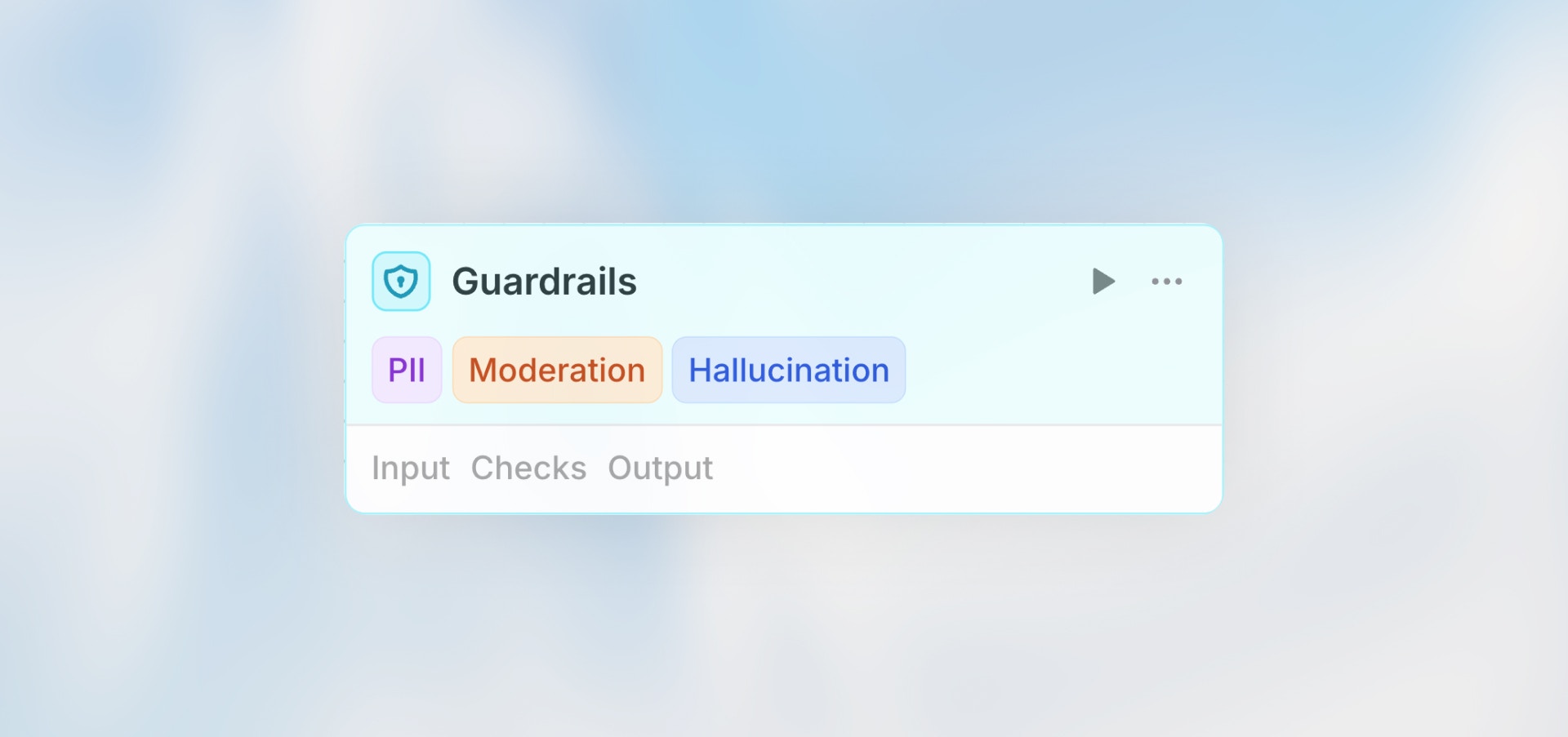
The Guardrails node validates content using AI-powered checks to ensure safety, accuracy, and compliance. Each guardrail uses an LLM as a judge to evaluate your input against specific criteria, failing the workflow if confidence thresholds are exceeded.
Best for: Content moderation, PII detection, hallucination checks, jailbreak prevention, and custom validation rules.
How It Works
Configuration
Input
The content you want to validate. Supports Manual, Auto, and Prompt AI modes.
Example usage:
Model Selection
Choose the AI model used to evaluate all enabled guardrails. More capable models provide more accurate detection but may cost more.
Available Guardrails
Personally Identifiable Information (PII)
Detects personal information like names, emails, phone numbers, addresses, SSNs, credit cards, etc.
When to use:
Before storing user-generated content
When sharing data externally
Compliance requirements (GDPR, HIPAA)
Customer service workflows
Configuration:
Confidence Threshold: 0.7 (recommended)
Higher threshold = stricter detection
Example:
Moderation
Checks for inappropriate, harmful, or offensive content including hate speech, violence, adult content, harassment, etc.
When to use:
User-generated content platforms
Public-facing communications
Community moderation
Customer-facing outputs
Configuration:
Confidence Threshold: 0.6 (recommended)
Adjust based on your content policies
Jailbreak Detection
Identifies attempts to bypass AI safety controls or manipulate the AI into unintended behaviors.
When to use:
Processing user prompts before sending to AI
Public AI interfaces
Workflows with user-provided instructions
Security-sensitive applications
Configuration:
Confidence Threshold: 0.7 (recommended)
Higher threshold for fewer false positives
Example:
Hallucination Detection
Detects when AI-generated content contains false or unverifiable information.
When to use:
Fact-based content generation
Customer support responses
Financial or medical information
Any workflow where accuracy is critical
Configuration:
Confidence Threshold: 0.6 (recommended)
Requires reference data for comparison
Example:
Custom Evaluation
Define your own validation criteria using natural language instructions.
When to use:
Domain-specific validation
Brand voice compliance
Custom business rules
Specialized content requirements
Configuration:
Evaluation Criteria: Describe what to check for
Confidence Threshold: Set based on strictness needed
Example:
Setting Confidence Thresholds
The confidence threshold determines how strict each check is:
0.3–0.5
Lenient
Avoid false positives, informational only
0.6–0.7
Balanced
Most use cases, good accuracy
0.8–0.9
Strict
High-risk scenarios, critical validation
0.9–1.0
Very Strict
Only flag very obvious violations
Start with 0.7 as a balanced default, then adjust based on false positives or missed detections.
Example Workflows
Content Moderation Pipeline
AI Response Validation
Multi-Check Validation
Handling Failures
When a guardrail check fails, the workflow stops at the Guardrails node. Configure error handling to route to alternative paths, send notifications, or trigger fallback actions (manual review queues, logging, alerts, retries, etc.).
When to Use Each Guardrail
PII Detection — Use for:
Public content that shouldn’t contain personal information
Data being sent to third parties or external systems
Compliance-sensitive workflows (GDPR, HIPAA, etc.)
Preventing accidental exposure of sensitive user data
Moderation — Use for:
User-generated content that needs review
Public-facing outputs and communications
Community platforms and forums
Filtering inappropriate or harmful content
Jailbreak Detection — Use for:
User-provided prompts or instructions to AI
Public AI interfaces accessible to external users
Security-critical applications where prompt manipulation is a risk
Protecting against attempts to bypass system constraints
Hallucination Detection — Use for:
Fact-based content generation requiring accuracy
Customer support responses with specific information
Financial or medical information where accuracy is critical
Any content where false information could cause harm
Custom Evaluation — Use for:
Brand compliance and tone of voice guidelines
Domain-specific rules and industry standards
Quality standards unique to your organization
Business-specific requirements not covered by other guardrails
Best Practices
Enable Multiple Checks: Combine guardrails (e.g., PII + Moderation) for comprehensive validation.
Start with Balanced Thresholds: Begin with 0.7 and adjust based on results.
Always Handle Failures: Add error paths to notify teams, log violations, or trigger alternative actions.
Test with Edge Cases: Calibrate thresholds using borderline content.
Use Appropriate Models: More capable models (e.g., GPT-4) provide better detection but cost more.
Document Custom Evaluations: Write clear, specific criteria for custom evaluations.